A camera that gives you the pose
Never wonder
how to pose.
Choose a pose or upload one from Pinterest or Photos. See it over the live camera, make it fit you and take the shot.
Download on the App Store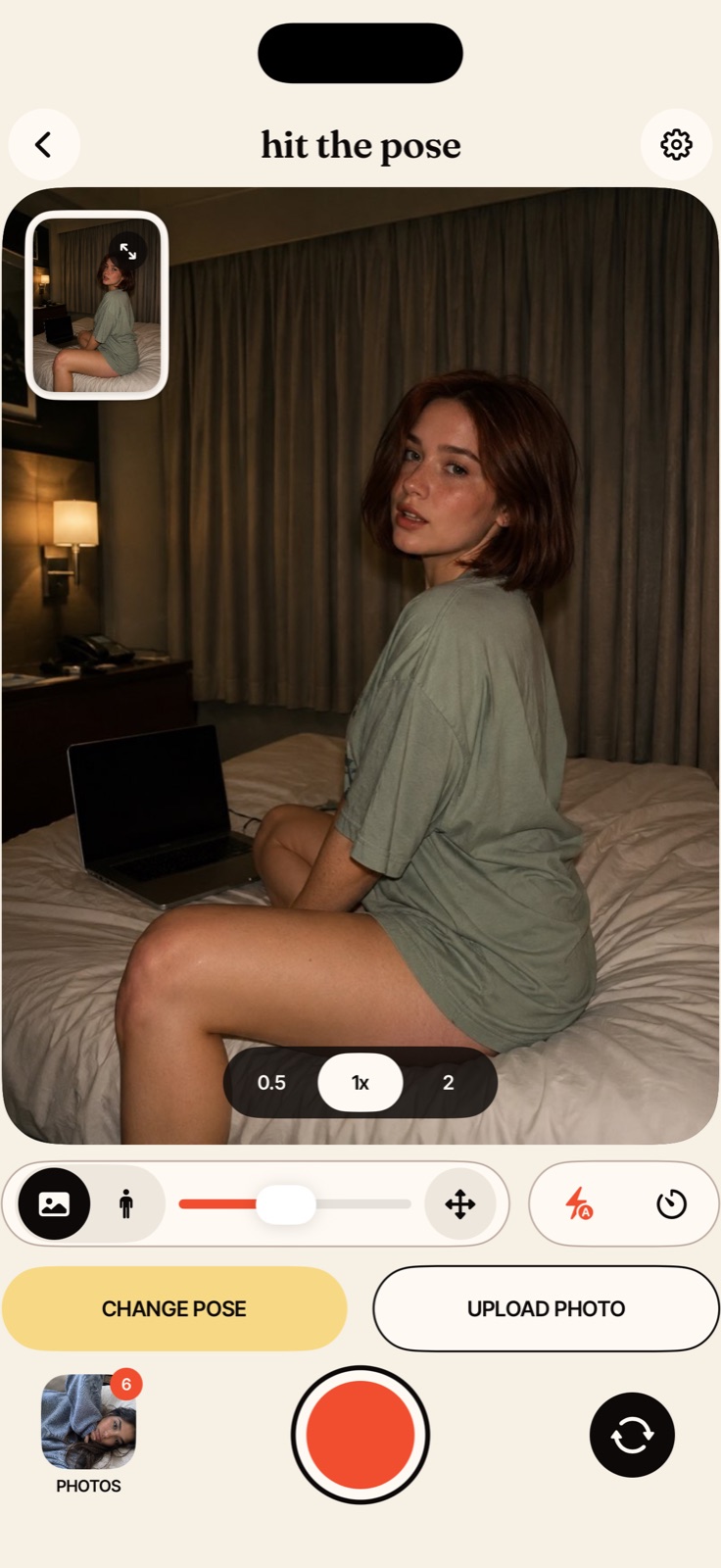
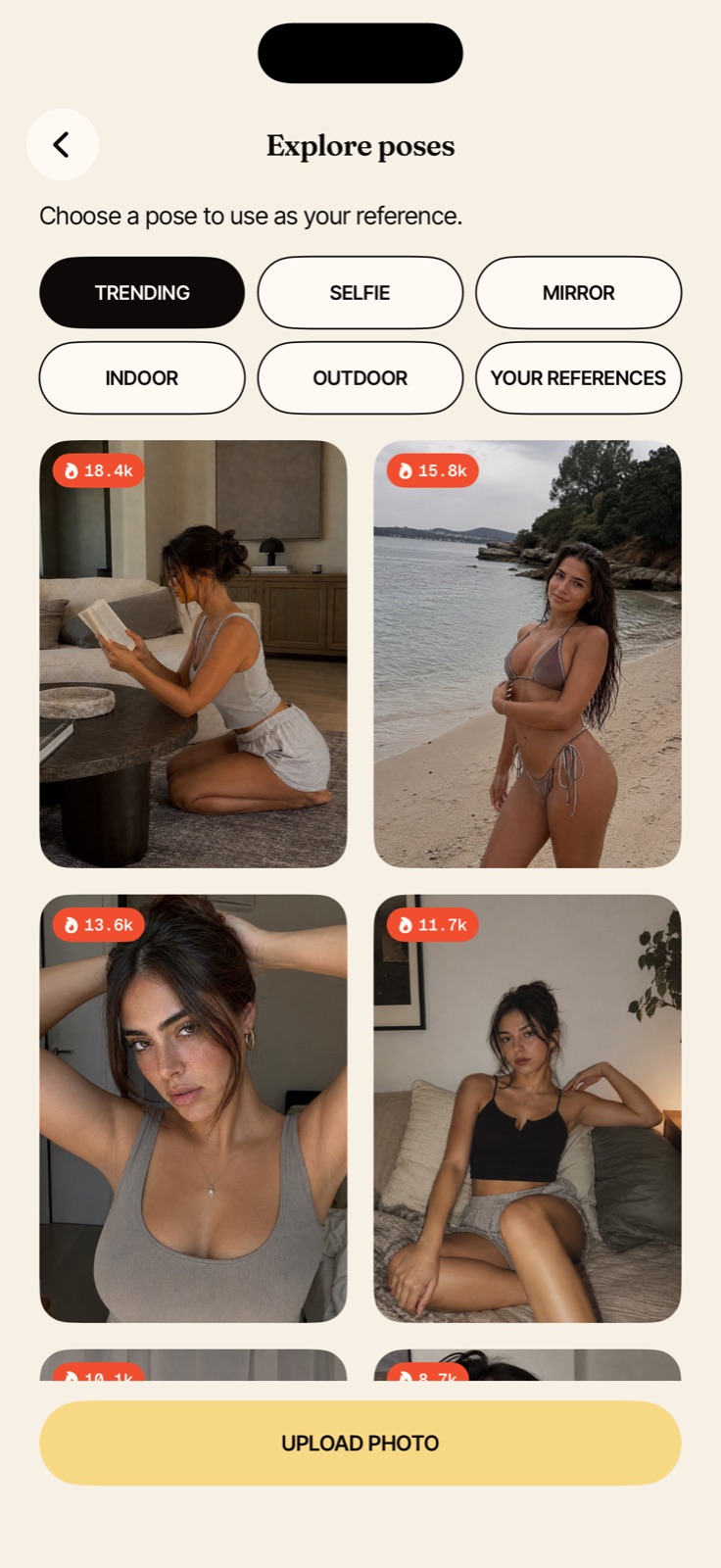
A pose for every kind of photo.
Browse Trending, Selfie, Mirror, Indoor and Outdoor. Your uploaded inspiration stays together under Your References, ready for the next shoot.
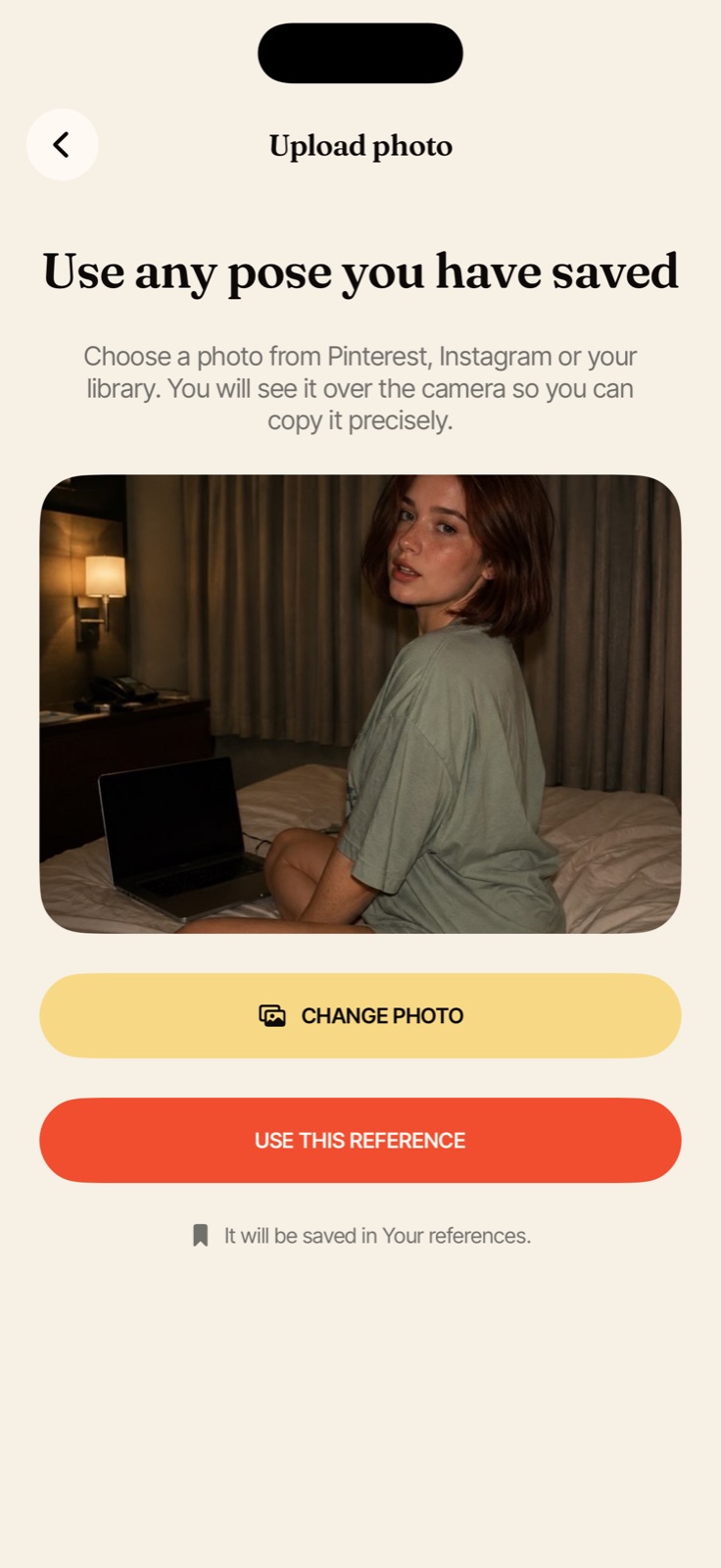
Found the pose somewhere else? Use it.
Upload any image from Photos. It becomes a reusable reference inside the app, without changing or uploading the original.
- Saved under Your References
- Available again whenever you need it
- Stored on your iPhone
See the photo.
Or just the shape.
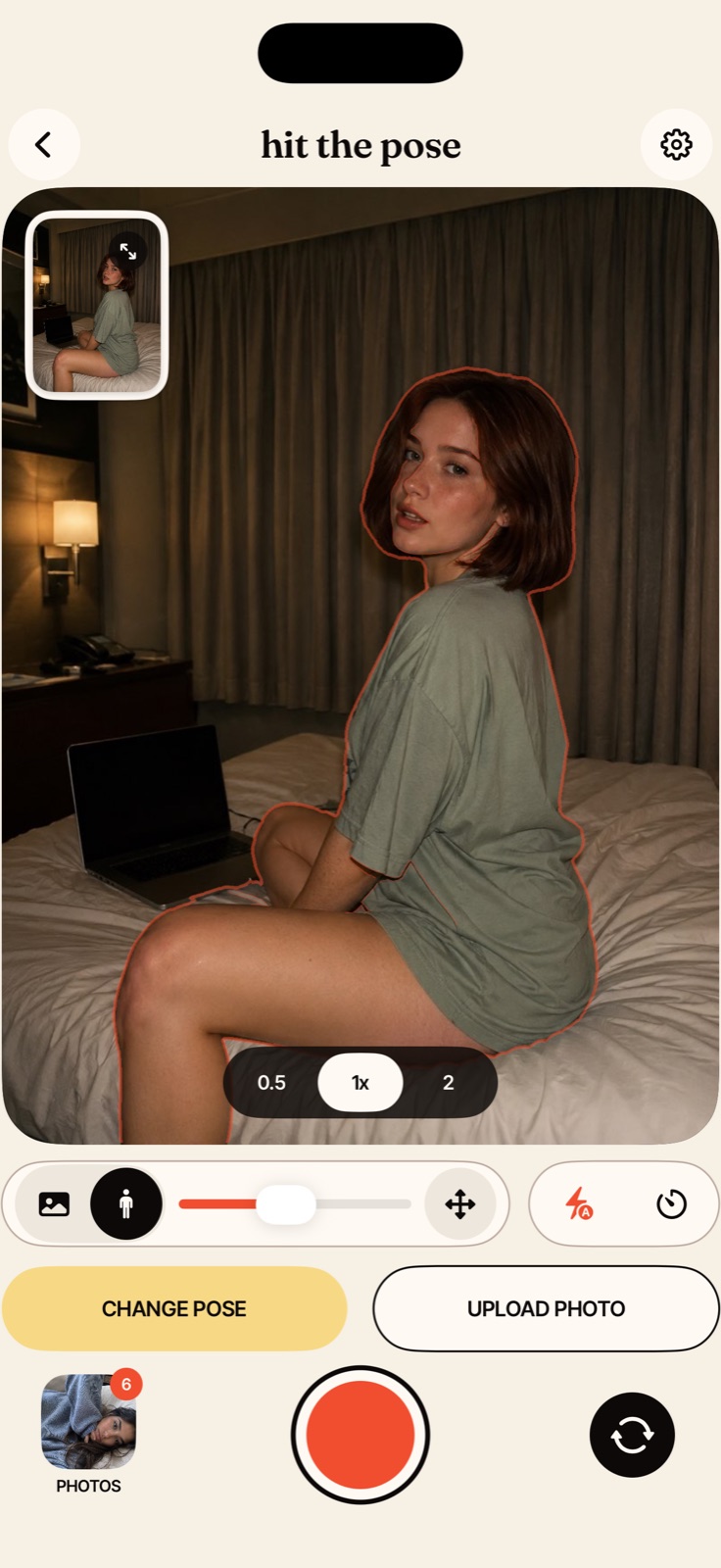
Tap to focus. Set exposure. Use every lens your iPhone gives you.
The reference never takes control away. Pinch to zoom the camera, drag the guide, choose a timer and shoot in portrait or landscape.
Keep the shot.
Keep it private.
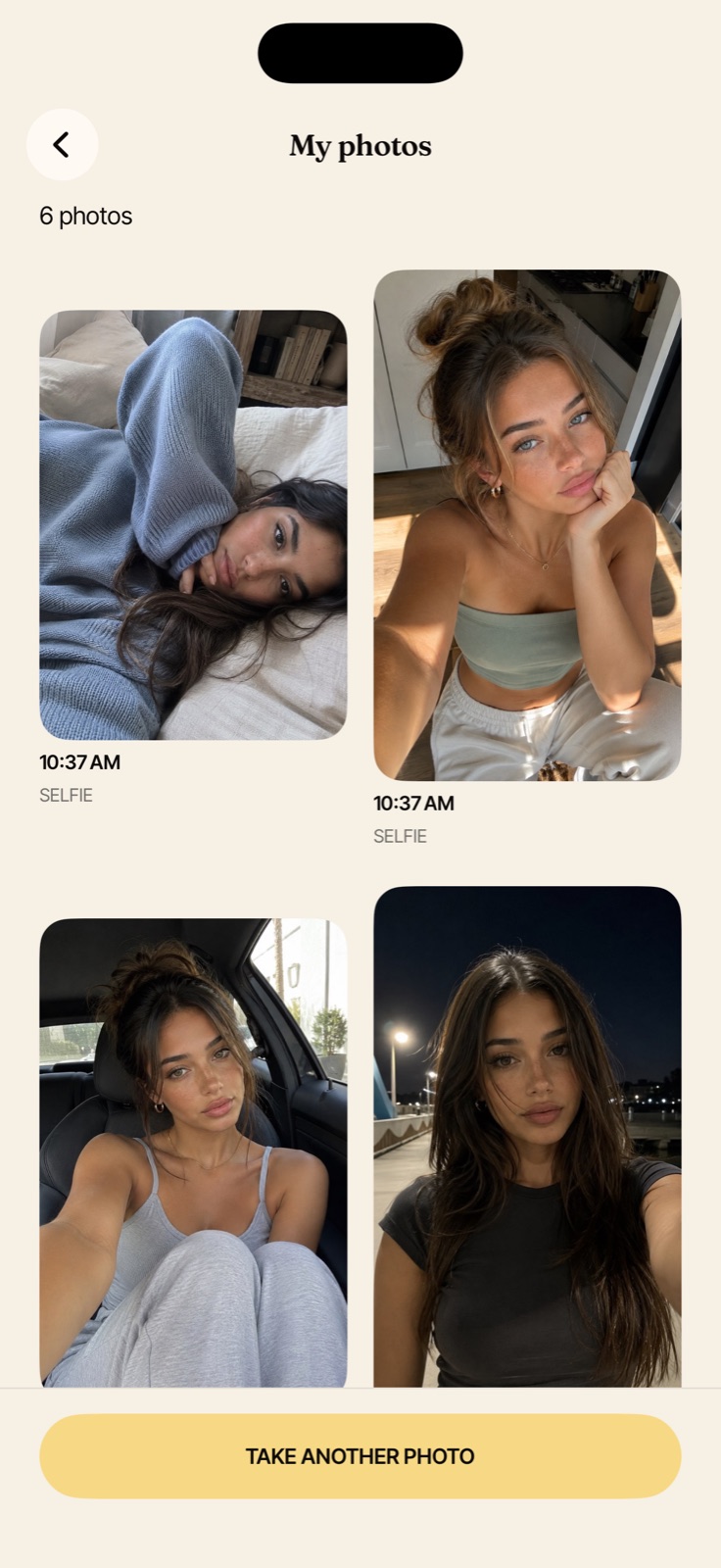
Your gallery stays in sync with Photos. Delete a linked shot from Hit The Pose and it goes to Recently Deleted in Photos too. Camera frames, body data and photo pixels are never sent to us.
Read our privacy policy